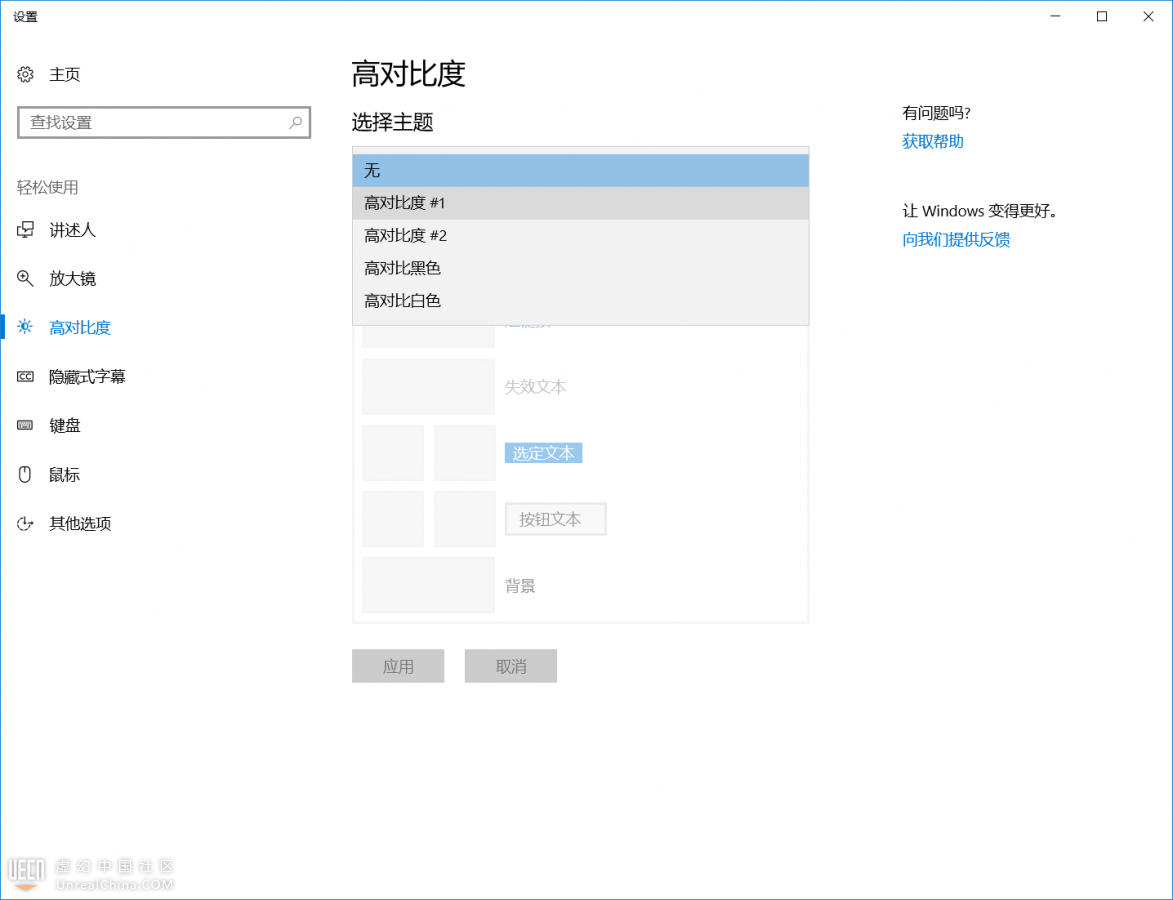
{:3_48:}群里大佬帮我在官方论坛找到了解决办法
High Contrast Theme
When I encountered this issue here is the solution I figured out, and this was the only thing I had to do:
Overview: Use one of Windows10's high contrast themes
How To:
Do a search in windows start menu for "high contrast"
Select one of the high contrast themes from the drop down or tiled list depending on your OS version. You can customize these themes!
Click Apply
Now you will find all of the drop downs in UE4 that were either slow or not appearing at all will now work perfectly again.



 提升卡
提升卡 变色卡
变色卡 千斤顶
千斤顶